
A little extra, made for your app

My Flash Cards Addons

New card packs for curious minds. Add questions, flip to see the answers, and practice at your own pace with My Flash Cards.
Pink Bunny welcomes you to learning in Helper Hollow

Addons for

My Flash Cards

Requires Version 1.0.12 or newer · Google Play Coming Soon

Explore the app →

Explore the possibilities

A little more to learn.

Math Card Packs

Basic Addition and Subtraction with single-digit and selected double-digit problems. These are optional downloads, not preinstalled cards.
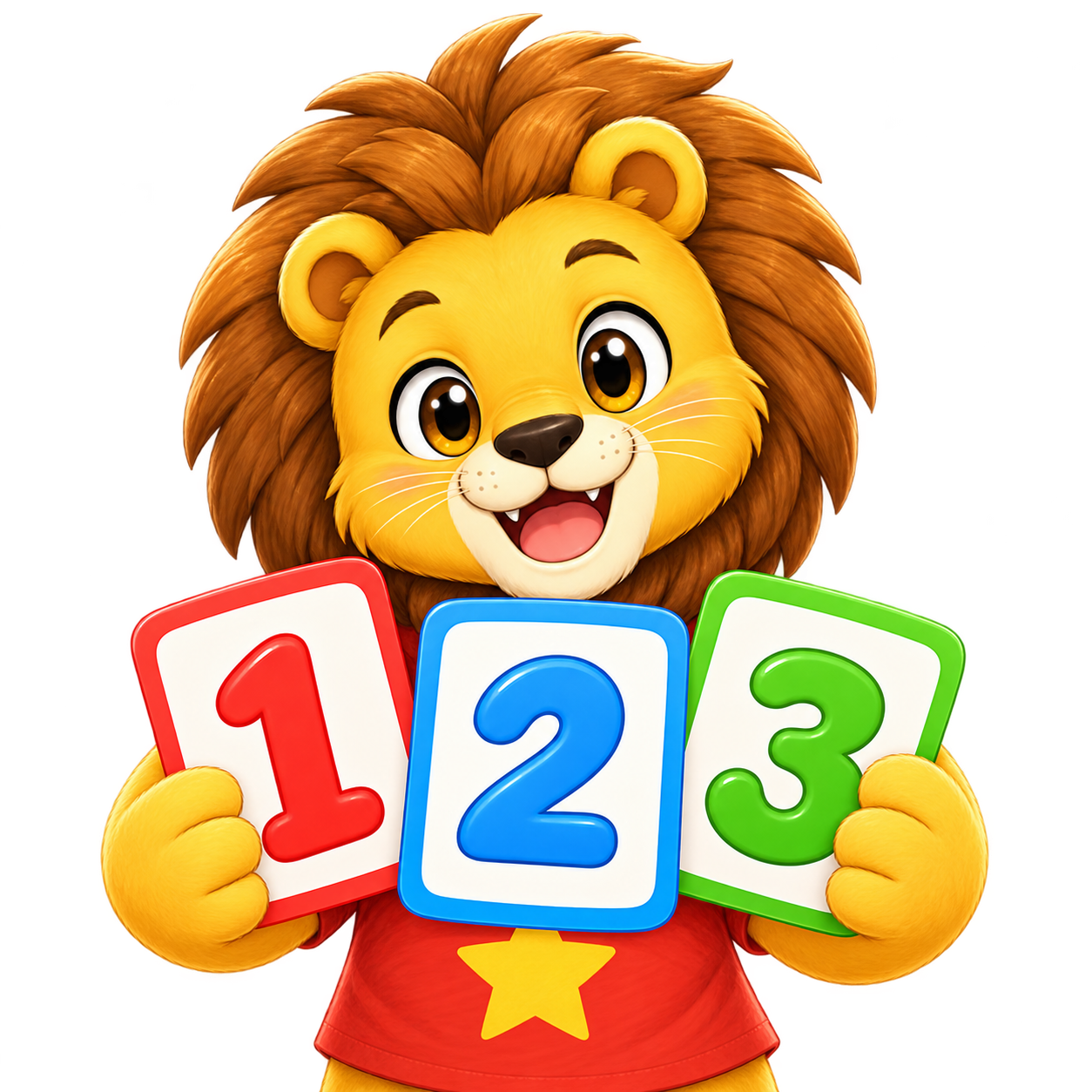
Math Card Packs

More learning is on the way.

We’ll keep adding useful, accessible card packs. Check back for new collections, or tell us what you would like to practice.

How to add a card pack

  1. Use My Flash Cards Version 1.0.12 or newer. Check Help for your version.
  2. Download the pack to your device. Keep its .mfcpack extension; do not unzip it.
  3. Open My Flash Cards → Options → Import Card Pack, just below Add/Modify Card Set.
  4. Choose the downloaded file. Check the pack name and card count, then tap Import.
  5. Go Back to Home and choose the new category. Flip Card reveals the answer. Edit it anytime through Add/Modify Card Set.

Each import adds a new category without replacing your cards. Importing twice adds a second copy. Packs stay on your device; keep the download if you want to import it again after uninstalling.